Games & Puzzles / Printable Games / Word Search Maker
Free Printable Word Search Maker
Try Online Word SearchCreate your own printable word search puzzle. Enter your own words or use the suggested words, choose the allowed directions, the grid size, and print the puzzle with an answer key.
Create Your Word Search Puzzles:
One word or phrase per line, up to 20 entries. Spaces are removed inside the grid.
Word Search
Find all the hidden words. Words go across (left to right) and down (top to bottom).
Words to Find

Answer Key
Word Search
Answers
Make A Free Printable Word Search With Your Own Words
This free word search maker turns any list of words into a printable puzzle in a few seconds. Type your own words or start from the suggested list, pick how the words are hidden, and print the finished puzzle together with a matching answer key. Nothing to install, no account, and no watermark on the printed page.
Free Word Search Generator
Both generators, this custom word search maker and our word scramble maker, work for almost any occasion: a classroom warm-up, a birthday or holiday party, a bridal or baby shower, a church or scout group, a company team-building session, an activity for a senior centre or care home, or simply a quiet evening puzzle with a cup of tea.
Because you choose every word, the puzzle can carry names of guests, vocabulary from a lesson, terms from a training course, or a theme like autumn, travel, or gratitude.
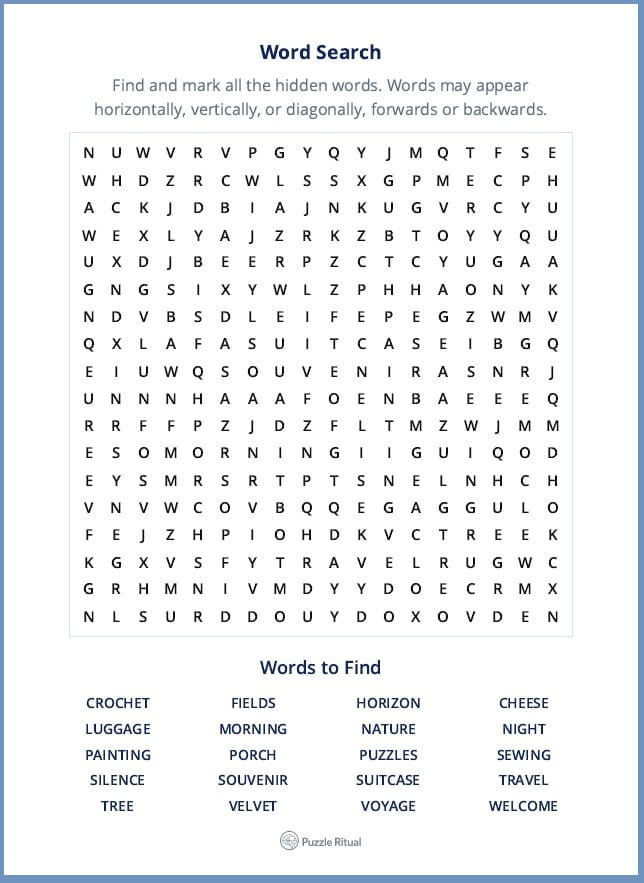
How to create a word search puzzle
- Add a title. Give the puzzle a name such as "Sarah's Baby Shower" or "Spanish Kitchen Vocabulary."
- Write a short instruction. One friendly line telling solvers what to do.
- Enter your words. One word or phrase per line, up to 20 entries. Spaces and punctuation are removed inside the grid, so multi-word phrases stay readable in the word list.
- Choose the word directions. Simple, Classic, or All Directions, depending on how hard you want the puzzle to be.
- Pick a grid size. Automatic sizes the grid to your words, or you can lock it to 12 × 12, 15 × 15, or 18 × 18.
- Create the puzzle and look at the preview. Not happy with the layout? Click again for a fresh arrangement of the same words.
- Print. The puzzle prints on the first page and the answer key on the second.
Choose the difficulty: Simple, Classic, or All Directions
Simple hides every word from left to right or from top to bottom. This is the easiest setting and the best choice for young children, beginners, language learners, and anyone who wants a relaxing puzzle rather than a challenge.
Classic adds diagonal words but keeps every word running forwards. It is the familiar newspaper-style word search and suits most adults and older children.
All Directions allows horizontal, vertical, and diagonal words, forwards or backwards. Words can be hidden in all eight directions, which makes the grid considerably harder and is ideal for experienced puzzlers.
Every puzzle comes with an answer key
The generator prints a second page showing exactly where each word is hidden, with a coloured line drawn through every answer. The key is checked automatically, so a word never appears twice by accident and two answers never blur into a single line. That means you can hand out the puzzle and still mark it quickly, which is useful for teachers, activity coordinators, and party hosts.
Tips for a better word search
- Between 10 and 16 words gives a nicely filled grid without crowding.
- Words of 4 to 10 letters work best. Very long words force a large grid; very short words are easy to spot by chance.
- Mix word lengths so the puzzle has both quick wins and harder finds.
- If a set of words will not fit, switch to Automatic sizing, choose a larger grid, or remove the longest entry.
- For younger solvers, keep Simple directions and a 12 × 12 grid.
- Print in portrait A4 or Letter. If the grid looks pale, enable background graphics in your browser's print dialog.
Frequently asked questions
Is this word search generator really free?
Yes. You can create and print as many puzzles as you like, at no cost and without registering.
How many words can I use?
Up to 20 words or phrases per puzzle. Each entry needs at least three letters.
Can I use names or phrases with spaces?
Yes. Spaces are removed inside the grid, so "NEW YORK" is hidden as NEWYORK, while the word list underneath still shows it the way you typed it.
Can I save the puzzle as a PDF?
Yes. In the print dialog, choose "Save as PDF" instead of a printer. You then get a PDF with both the puzzle and the answer key.
Does the word search creator work on a phone or tablet?
Yes. The maker works in any modern browser, though a larger screen makes editing a long word list more comfortable.
Can I use the puzzles in my classroom or at an event?
Puzzles you create here are free to print and hand out for personal, classroom, and non-commercial group use.
More printable word search puzzles
If you enjoy this generator, explore the rest of the collection: printable games for parties and quiet afternoons, word games for vocabulary lovers, and brain games when you want a sharper mental workout.


